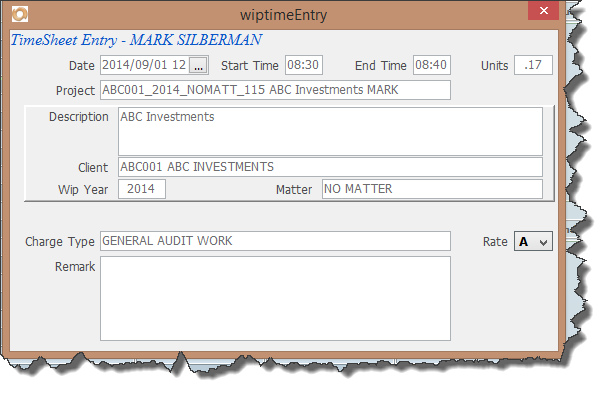
Before you start with time sheets its important to understand how units on the time sheet works. One unit is equal to one hour. The way we enter time sheet time is to enter the Start and End Time and then this calculates the units. In the screen below a 10 minute time interval has been entered.
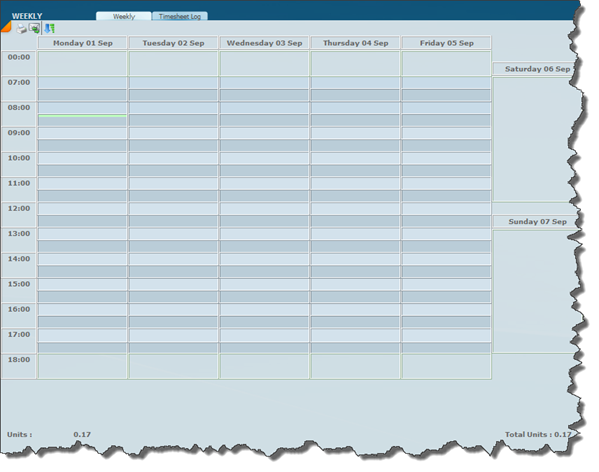
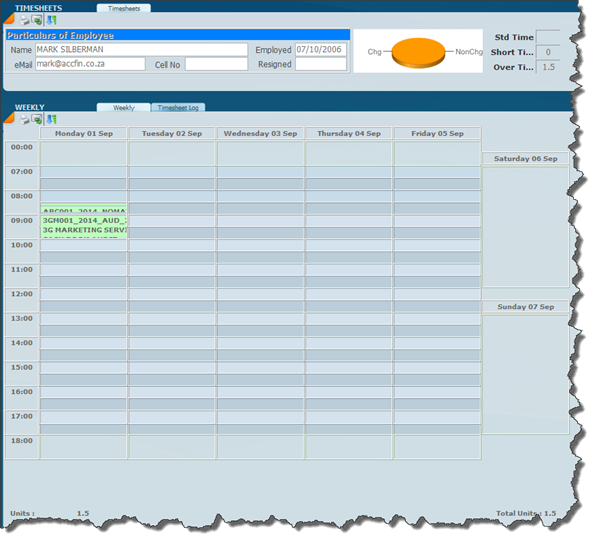
Note that the units is calculated at .17 of 1 hour being 10/60. In the screen below the graphical representation of the time slot is shown on the time sheet. It shows as a very thin line on the time sheet.
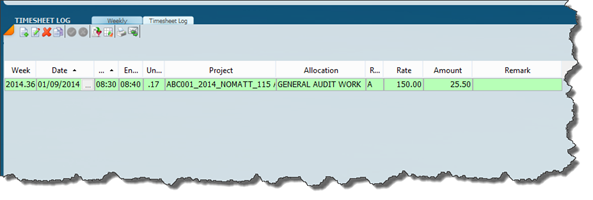
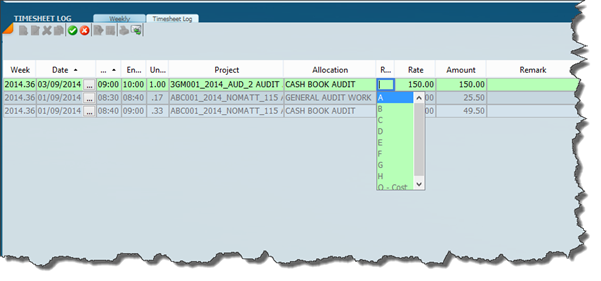
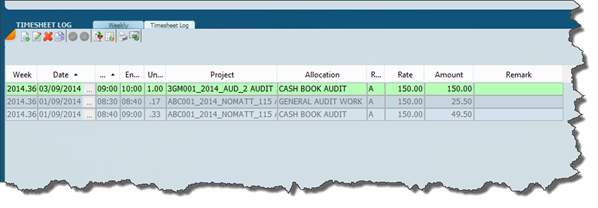
Click on the Timesheet log tab and a transactional view will display as in the screen below.
Instead of working on the graphical time sheet interface the Time sheet log can be used to capture the time sheet.
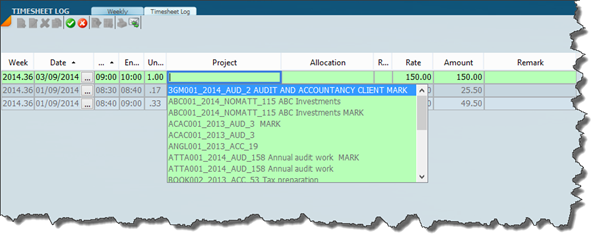
To enter a new record it is simply a matter of clicking on the new icon and then clicking on each cell and a drop down list will allow you to enter the data that is required.
After entering a few line items switch to the weekly graphical interface which will look as below.