Digital Signatures - Clients Setup
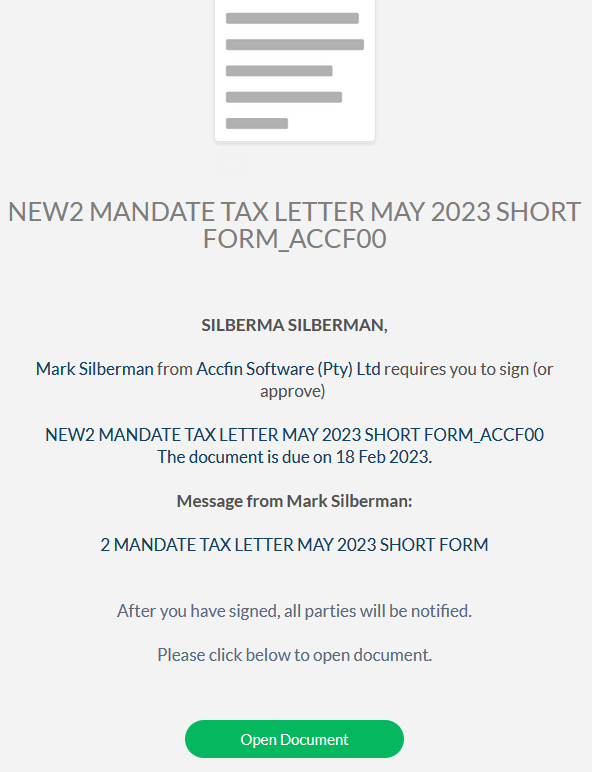
The body of the second email received by the client will look look like the screen below.
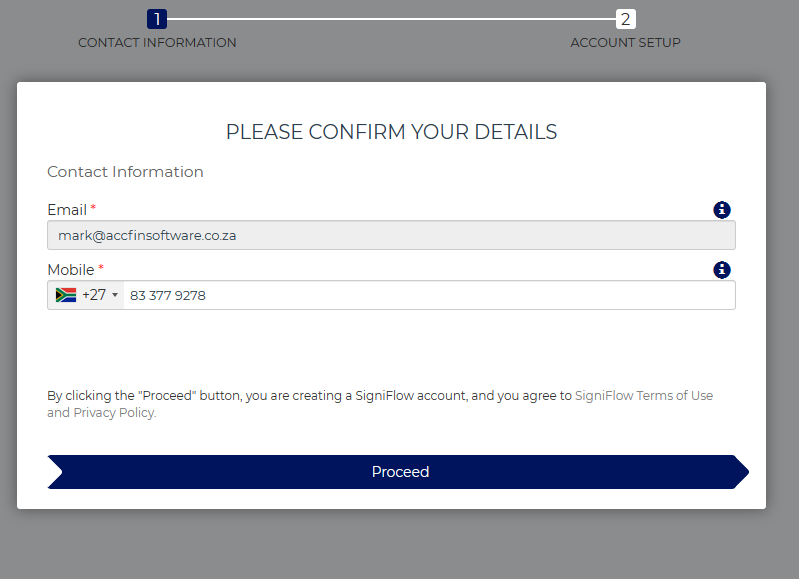
When the client clicks on Open Document above for the first time the following screen appears for completion.
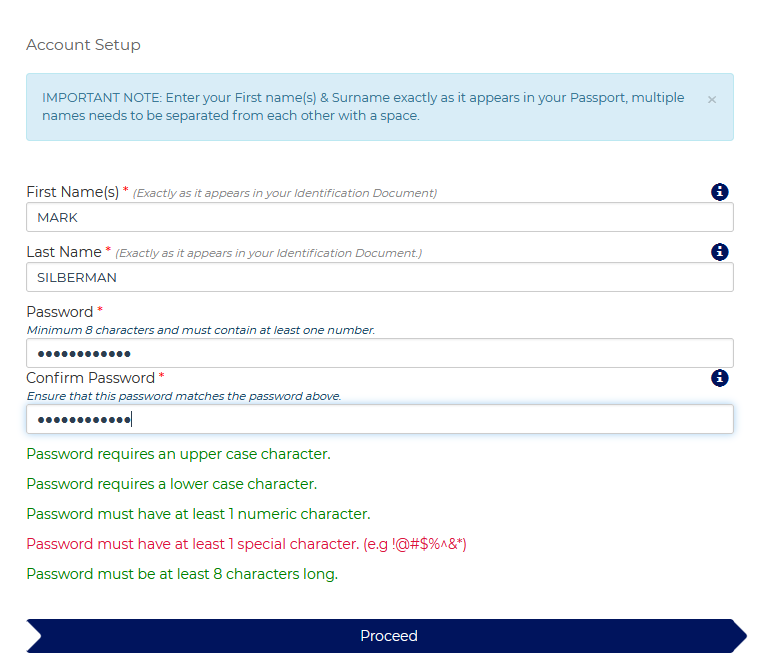
The client to click Proceed and setup thier password details. The rules for setting up the password are contained on the screen below.
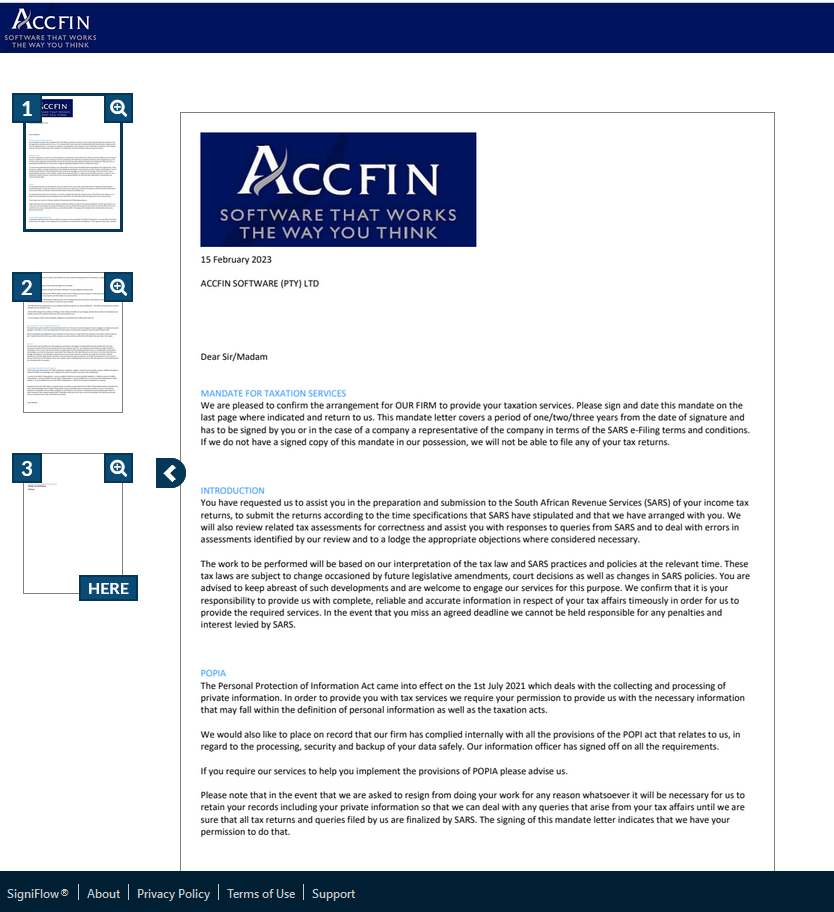
The document to be signed will open.
The client to set up the method of their signature digitally or by simply typing their name.
and to sign the page where it says here. The client to click on here to sign.
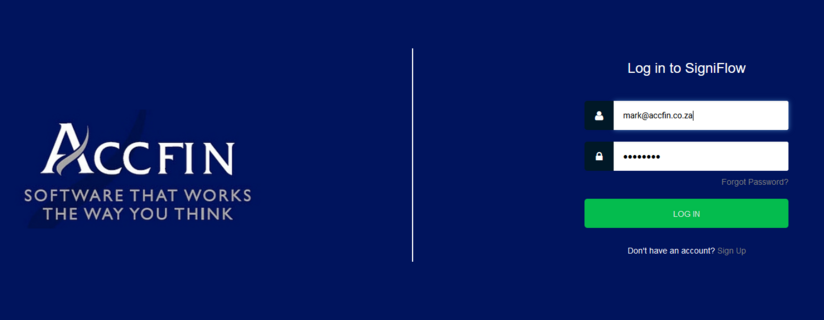
Once the documents is signed there will always be a record of the clients documents in the signiflow portal which can be viewed by logging in.
18 February 2023