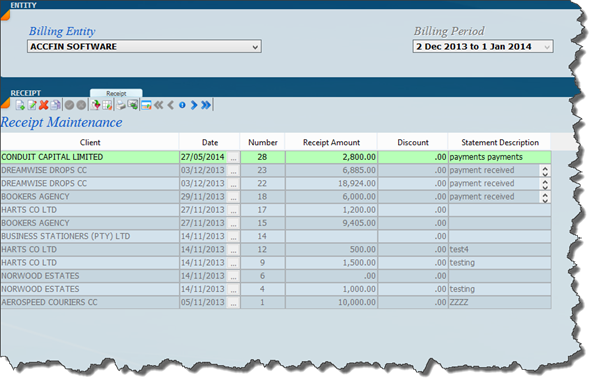
Detailed below is the receipts list view and below that if you want to change to the form view click on the switch icon after clicking on a receipt
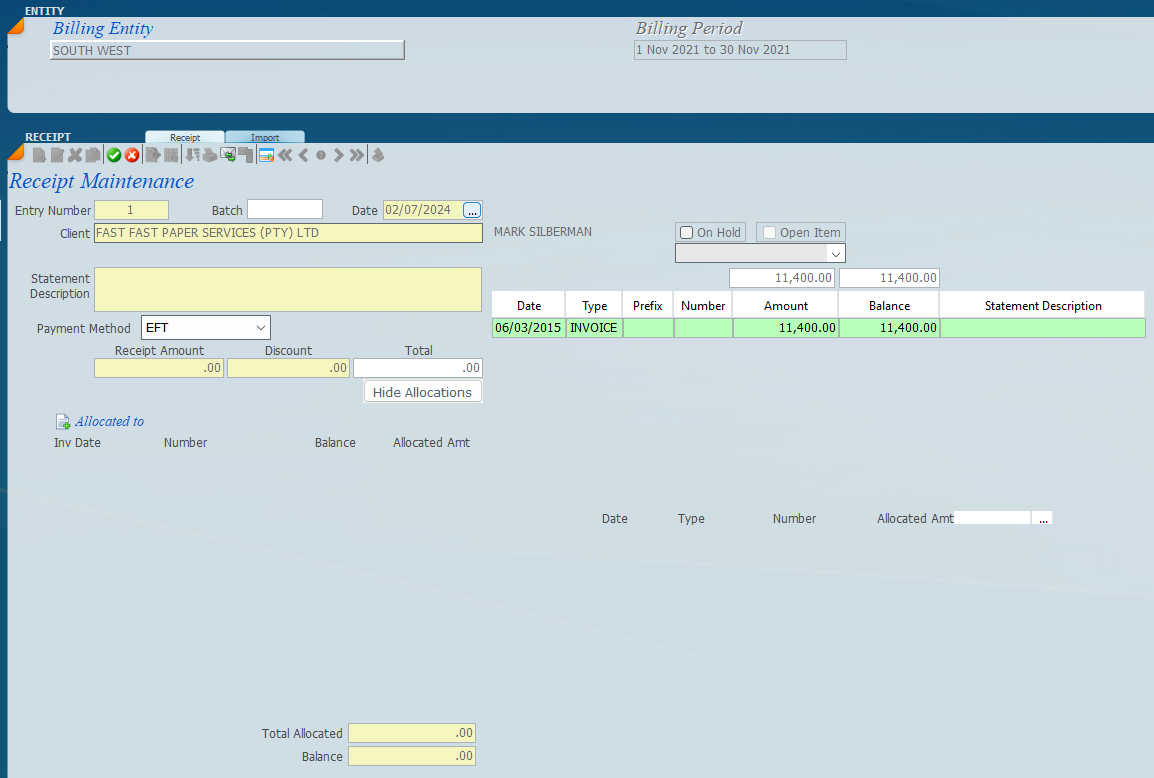
The screen below indicates a receipt in process. You enter the actual receipt just below the statement description and then in the window below you can allocate receipts to an invoice by clicking on the invoice number. This will give you the list of invoices that you can choose from. If you do not allocate the receipt then the system will automatically do what we call an auto allocation taking the receipt off the oldest balance or invoice.
The screen below shows a receipt of R10,000 that has been allocated to AUD 57 AUD 58 and AUD 59.


 after clicking on a receipt