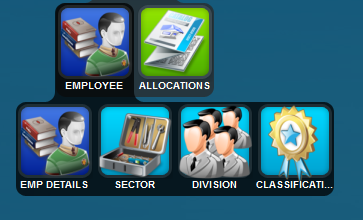
Detailed below is the employee menu tree. There are employee details and then all the items that employees will need to be linked to being Sector, Division and Classification so that reports can be produced.
The screen detailed below is a list view of employee maintenance and you can see that a particular employee is allocated to a partner or manager as well as a classification.
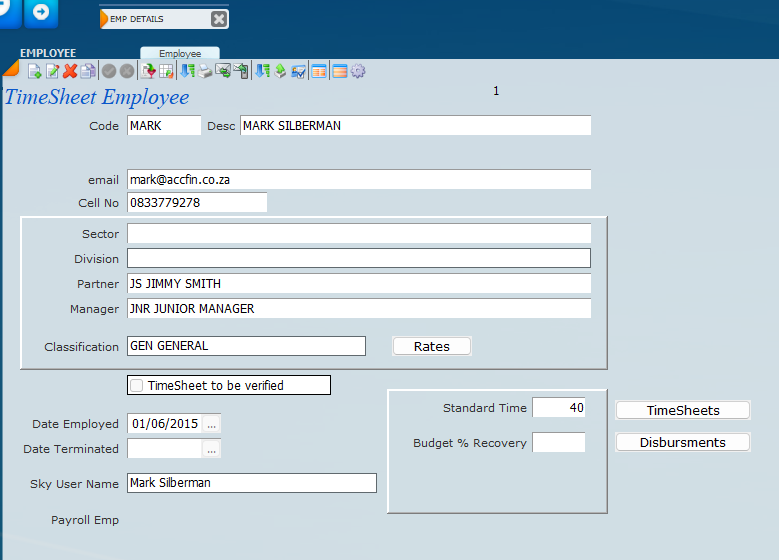
Shown below is the detailed view of employee maintenance. Make sure you enter all the links if any are not going to be used insert a dummy field *. For more information on Classification please have a look at the Section of Classification.
In order to allow a user to access a time sheet click on the Sky User Name area and enter the users who will have access to time sheets. You may drill down to the users that you want to give access to.
Enter the standard hours in the week that the employee should work.
Indicate if the time sheet should be verified by ticking the check box.
To see a list of Time Sheets click on the Time Sheets button, same applies to disbursements.